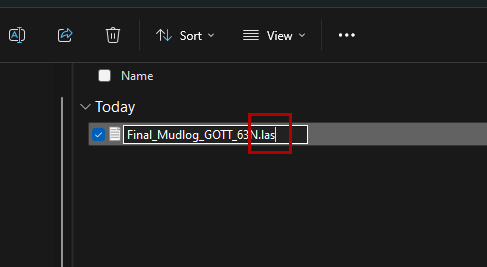
Sometimes LAS files are converted .txt files by a computer or are downloaded in that file format. The workflow below walks through the process of disapplying the file extension in Windows File Explorer, allowing you to correct the file extension.
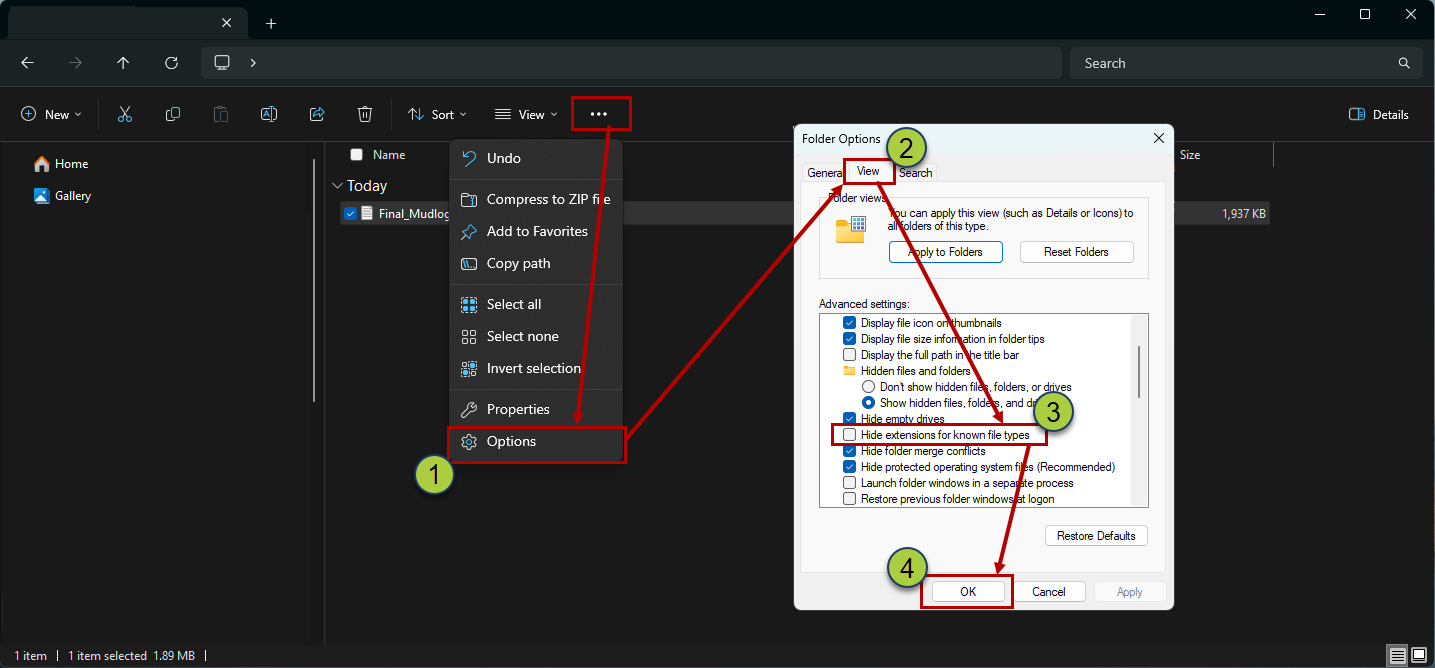
In File Explorer, select "Options" under the 'Folder Options' ('...') dropdown
Navigate to the 'Viewer' tab in the Folder Options
Uncheck the "Hide extensions for known file types" checkbox
Click 'OK' to save your changes
You will not be able to see the true file extensions. You can now replace the '.txt' extension with a '.las' extension