

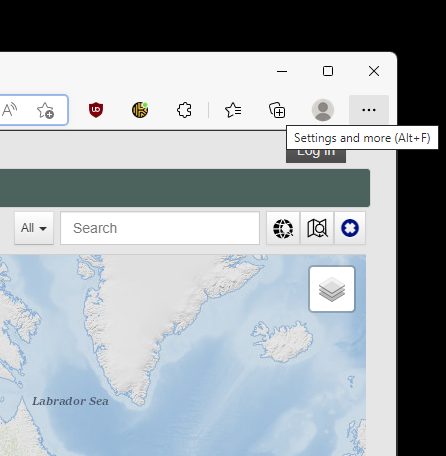
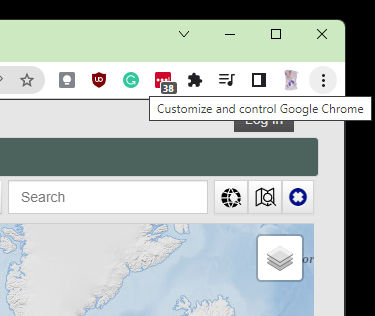
At the top right corner of the browser window, click the 'ellipsis' button (called 'Settings and more' in Microsoft Edge or 'Customize and control Google Chrome' in Google Chrome):
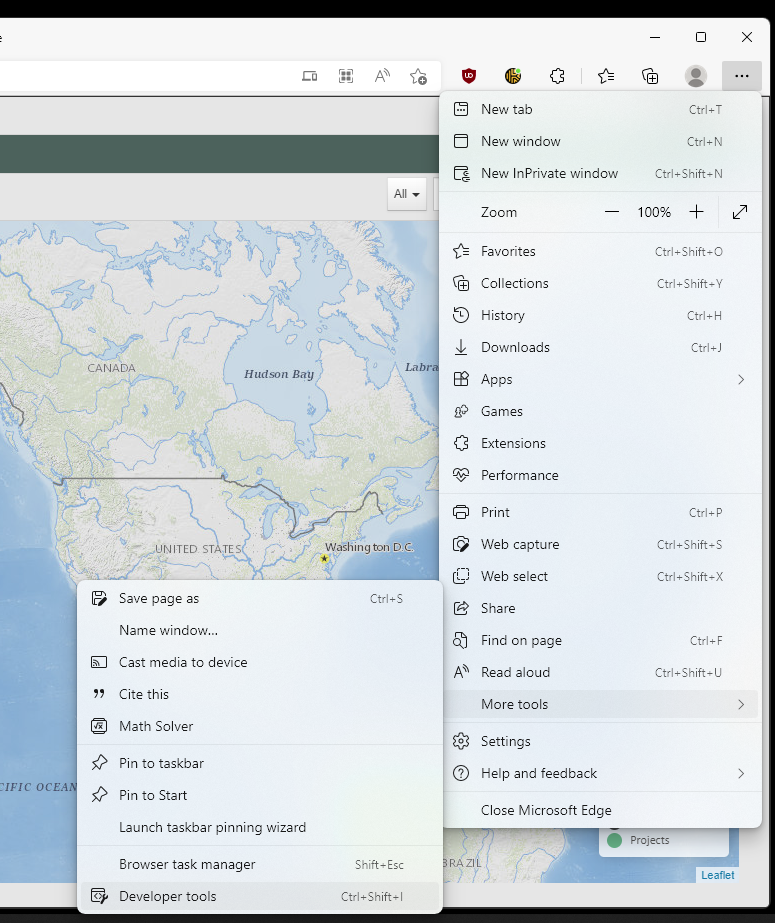
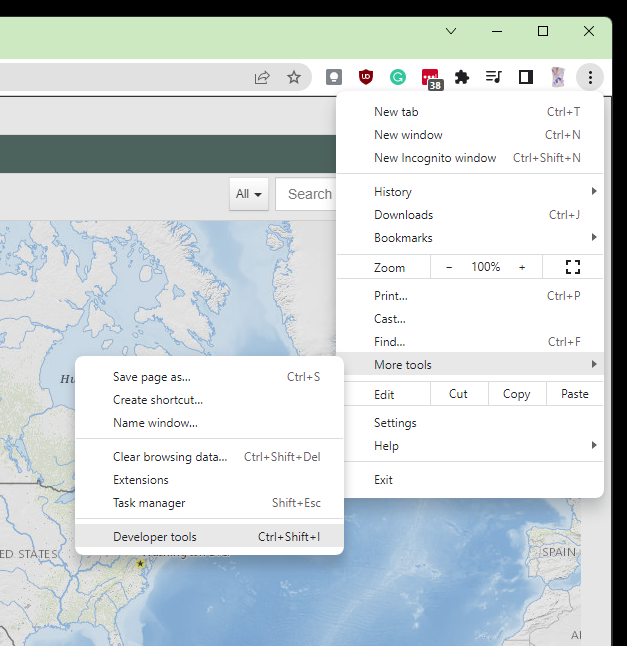
Open the 'More tools' submenu and then select 'Developer tools' from the popup:
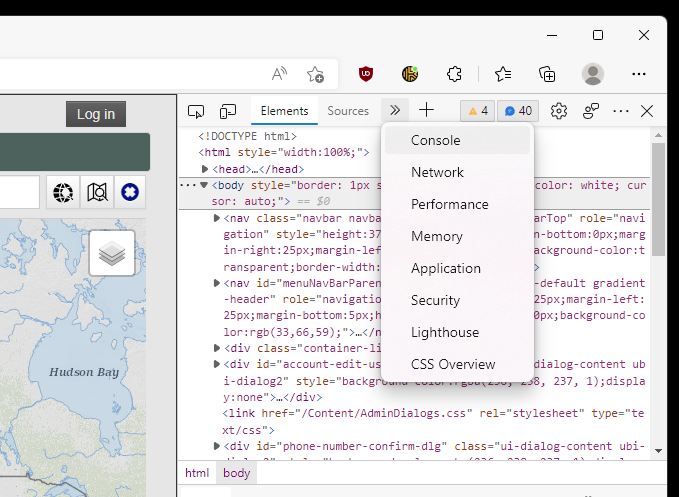
When the developer tools appear, select the 'Console' tab (it may be necessary to click on the '>>' button and select 'Console' from the drop down):
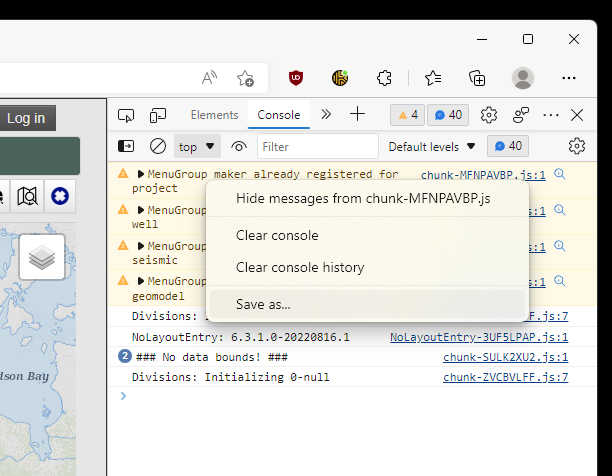
Right click the first item in the console log and select 'Save as...' from the drop down:
Make note of the location the file is saved in.