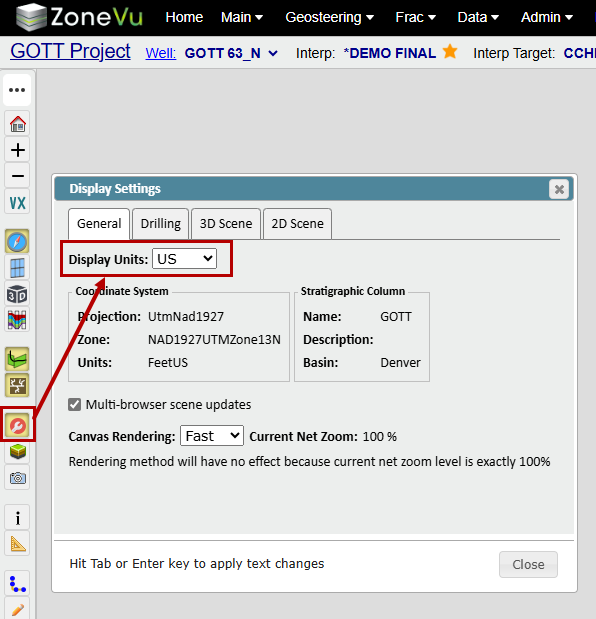
ZoneVu allows users to set default units on a Well, Project, Seismic Surveys, and in the Viewer. These units will be honored for that object at that data level.
Setting default units on a Well:
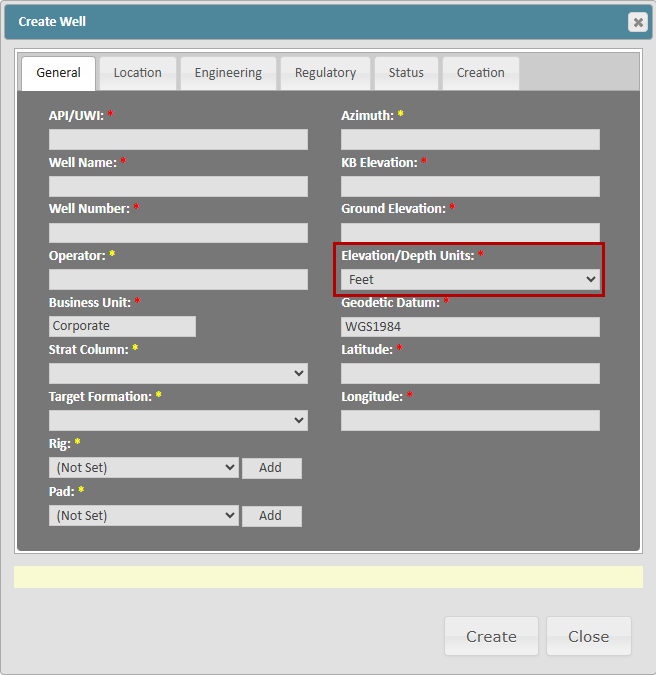
Default units for a Well are set by the 'Elevation/Depth Units' dropdown on the 'General' tab of the Well header dialog. The units set here will be honored in the Well Folder and the Drilling Center dialog.
Setting default units on a Seismic Survey:
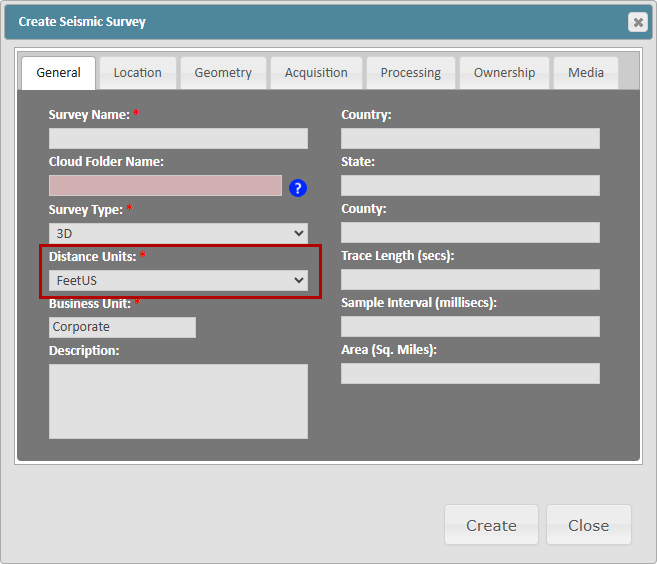
Default units for a Seismic Survey are set by the 'Distance Units' dropdown on the 'General' tab of the Seismic Survey header dialog. The units set here will be honored in the Seismic Survey Folder.
Setting default units on a Project:
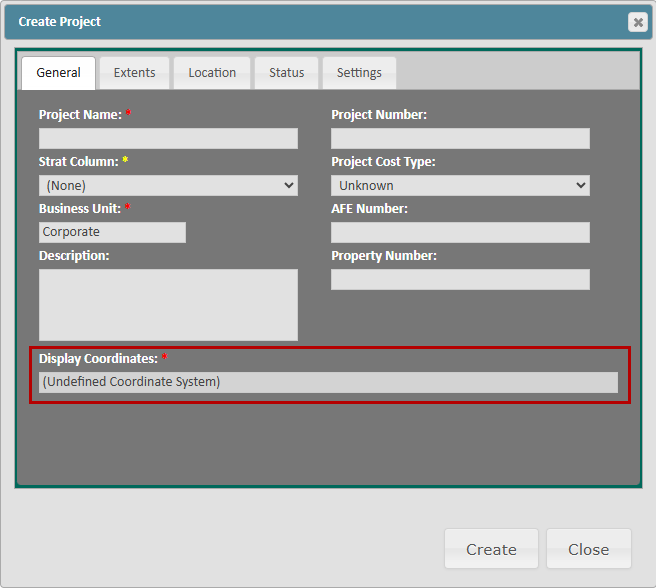
Default units for a Well are set by the 'Elevation/Depth Units' dropdown on the 'General' tab of the Project header dialog. The unit set here will be honored in the Project folder and Viewer unless changed in the Viewer in the Display Settings Dialog. This will override any Units settings on Wells, Seismic Surveys, and Geomodels added to this Project
Setting default units in the Viewer:
Default units for the Viewer are set by the 'Display Units' dropdown on the 'General' tab of the Display Settings dialog. The Viewer will honor the units set here, overriding any Project Header or Well header settings.