

You can mark any Top in ZoneVu as a Geoprog Top. This can be done upon Top Import, Top Creating, or while Editing a Top.
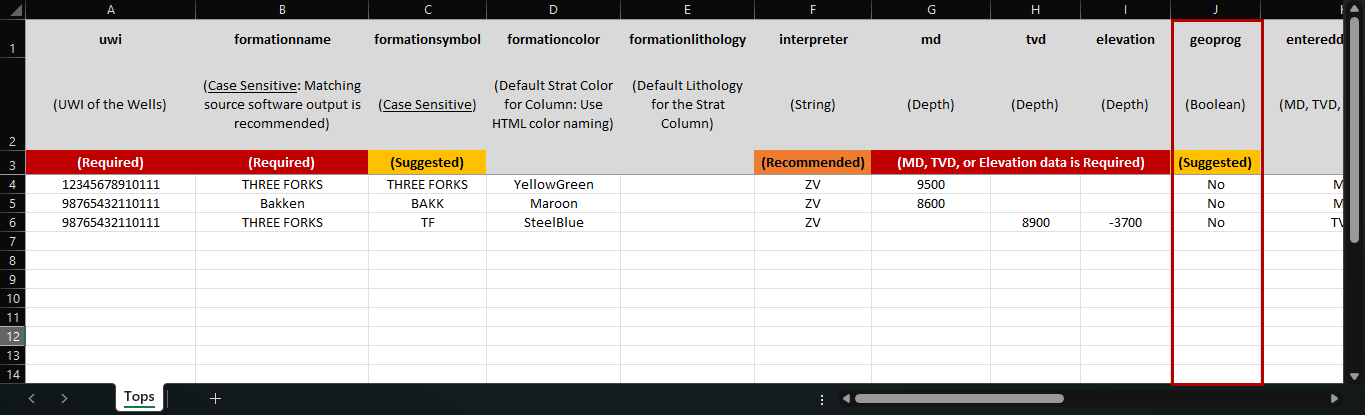
Top Import: While using the Top Importers you can use a boolean flag (True/False) to mark a Top to be a Geoprog Top
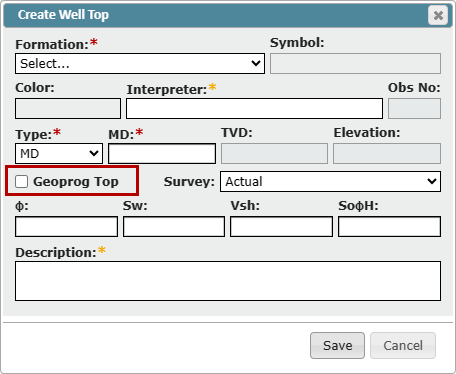
Top Creation: When creating a new Top, there is a "Geoprog" checkbox located at the bottom of the dialog, and when checked on will mark this Top as a Geoprog Top
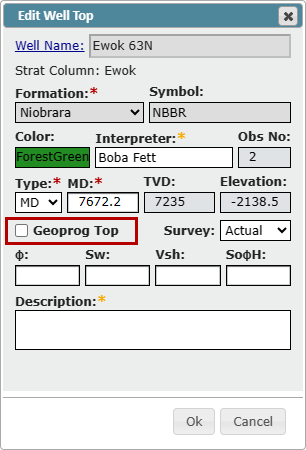
Top Editing: In the Edit Top dialog box, you can click the "Geoprog" checkbox at the bottom of the dialog to mark this top as a Geoprog Top
Note: ZoneVu can auto-pick Geoprog Tops based on Structure Grids. See this article for more details: Geoprog Generator