ZoneVu lets you display data in Imperial or Metric units. You can set the default units on a Well or Project. Please see below how to set the default units and override these settings in the Viewer.
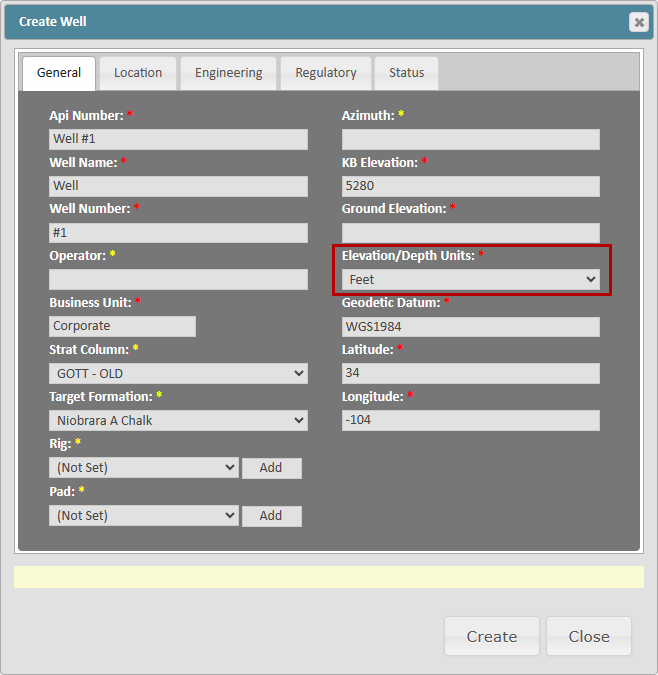
Default Units on Wells:
ZoneVu uses the "Elevation/Depth Units" input to determine the default units for this Well
If this Well is in the Drilling Center, these are the units that will be used for data display (i.e. - You can have Wells displaying both imperial and metric units in the drilling center)
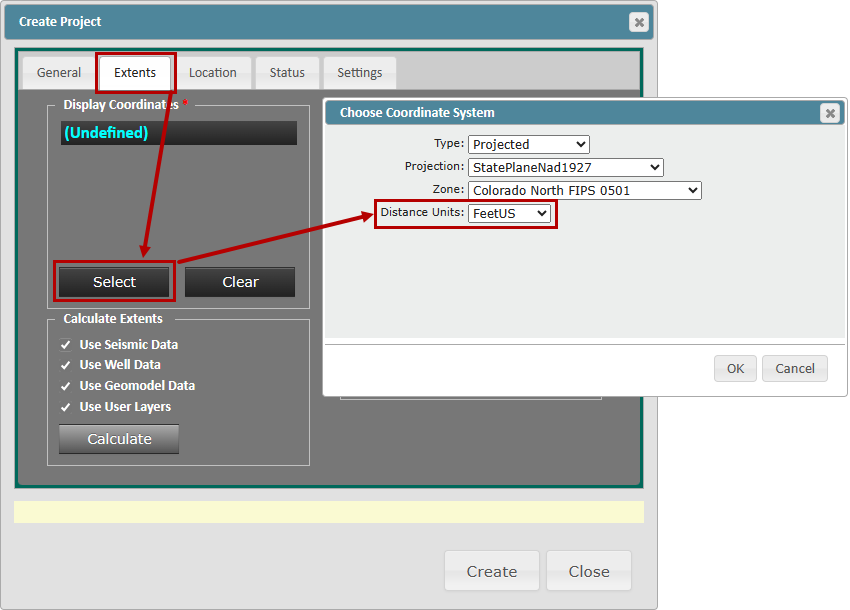
Default Units on Projects:
ZoneVu uses the "Distance Units" input to determine the default units for a Project
Viewer Unit Override:
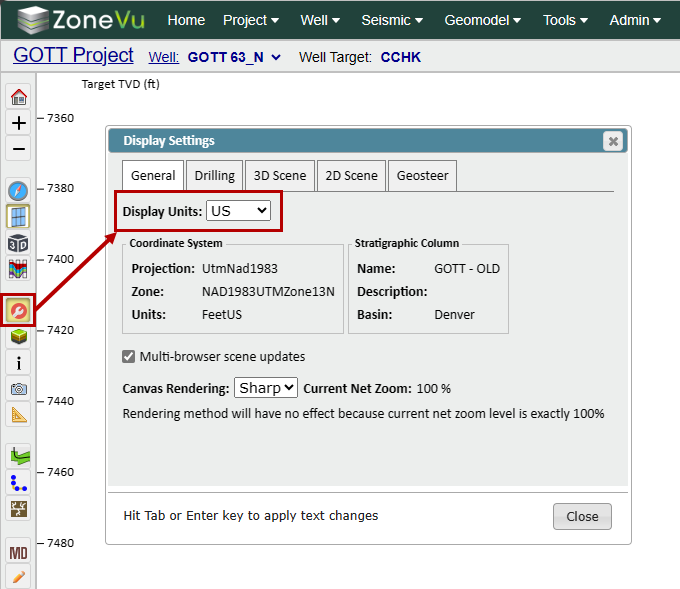
While in the Viewer, you can override the default unit selection by opening the Display Settings and using the "Display Units" dropdown on the General tab