

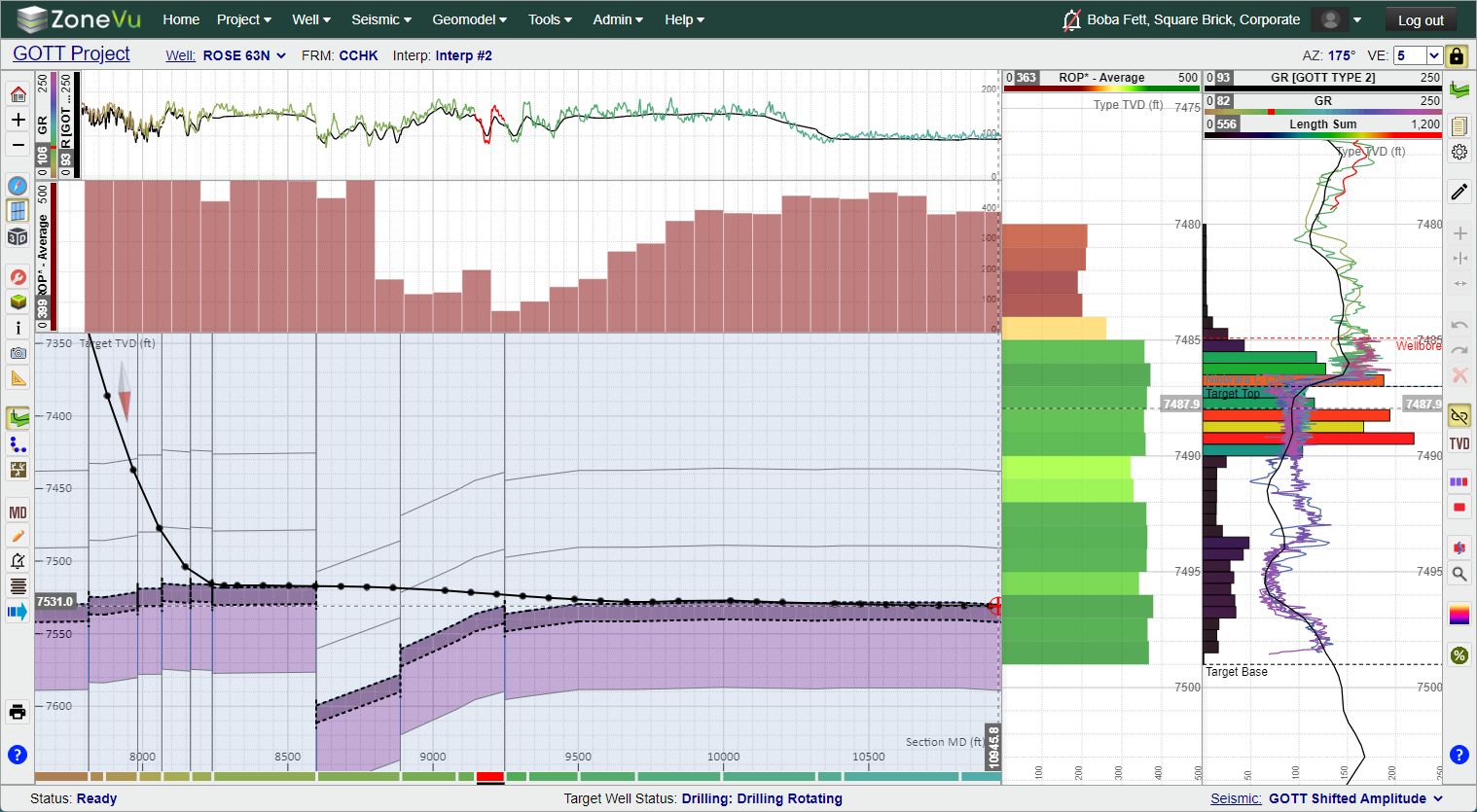
Log Histogram Plots in the Vertical and Horizontal Log Tracks:
Sampling Options
Count: Counts the number of samples in each Histogram Bar Length
Length Sum: Sums up the Total Wellbore length in each Histogram Bar Length
Sum: Sums all of the Log Curve data in the Histogram Bar Length
Average: Calculates the Average Curve Data in the Histogram Bar Length
Horizontal and Vertical Histograms Plots are independent of one another
Control the Histogram size (Pixels or Length), depth range (TVD or TVT), histogram styling (line, color fill, opacity), rendering order (above or below the displayed Log Curve), and scale Min/Max
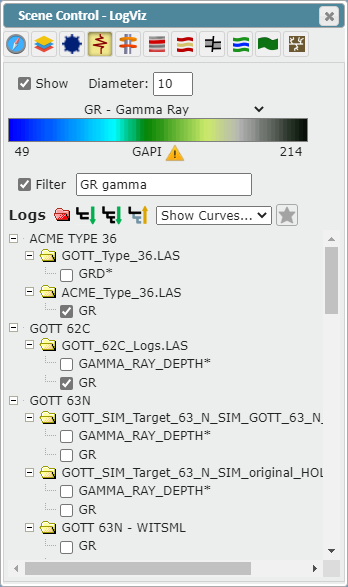
3D Viewer Log Curve Selector updated:
Advanced Data Tree added
Data Tree Control buttons added: Expand Target Well Only, Expand First Level, Expand All, Collapse All
Star specific Curves on each well marking these curves as the primary curve to use
Display Histogram control added
Advanced Filtering Functionality
Curve Select dropdown added
Log display performance enhanced
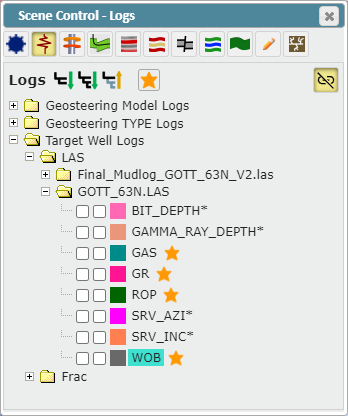
2D Viewer Scene Control Logs tab update:
Data Tree Control buttons added: Expand Target Well Only, Expand First Level, Expand All, Collapse All
Star specific Curves on each well marking these curves as the primary curve to use
Type Log order changed to alphabetical ordering
Vertical Log Track Couple/Decouple Button added
Button Icon updated
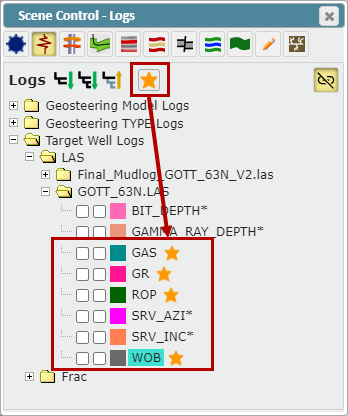
Added the ability to ‘Star’ Log Curves:
You can 'Star' one Curve per Well per Curve Mnemonic
You can ‘Star’ Curves in the 2D & 3D Viewers
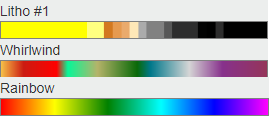
New Color Bars Added:
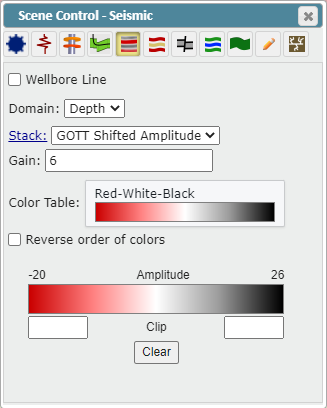
Seismic Display Controls added to Scene Control Seismic tab:
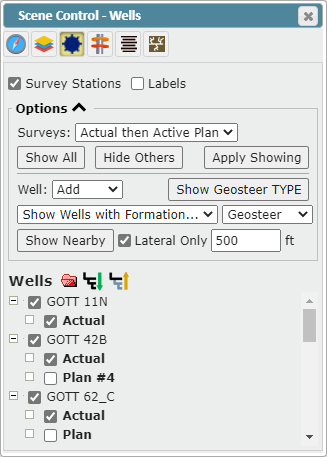
Scene Control Wells Tab Bulk Selecting Options Enhanced:
GUI has been reordered
Selection application options added
ZoneVu Frac Updates:
Cluster Designs have been updated to support more cluster designs (Example: Clusters of 1’ or 1.5’ length)
You can now add Clusters using the right-click option to Frac Jobs
Cluster Design labels updated to increase clarity
Field Report Cluster ordering updated
Moving Plugs around no longer deletes the Clusters in the affected Stages
User Note Updates:
Text in User Note columns now wraps when needed
Column width has been adjusted and dynamic width added to some columns
User Notes Detail input box height increases
Category dropdown no longer extends outside of the bounding box with long Category names
Deleting a set of filtered User Notes no longer deletes the hidden User Notes
Duplicate “None” User Note Category removed
Bulk Well Importer:
"Extract Well Number" checkbox was renamed to "Remove Well Number from Well Name" to enhance clarity
"Pad" & "Rig" columns added to the Well Import Spreadsheet
The new Well Import Spreadsheet has been added to all downloading links
Strat Column Transfer Tool:
Transfer all data from one Strat Column to another
Other Updates:
Viewer performance enhanced
Horizons, Surfaces, & Zones display Selector GUI upgraded
Histogram Data display selector added
ZoneVu Alerts added to the left-hand button tree

Bug Fixes:
Fixed Cosmo Color Bar
Sharpened the Blue-Yellow-Brown Color Bar color transitions
Fixed dropdown lag related to Frac Data display
Enhanced Plug & Perf dragging on vertical Wells
Laptop trackpad scrolling issues
Snapshot stability enhanced
Splice log rendering in the 3D Viewer fixed
User Note blank title error fixed
Well tab “Show Survey” dropdown bug fixed
LAS File with +2 Depth Curves bug fixed
Scene Control missing scroll bar bug fixed
New Knowledge Base Articles:
User/Sharing Rights List
Default User/Sharing Roles
Log Curve Histogram Tool
Setting Default Measurement Units for Data in ZoneVu