

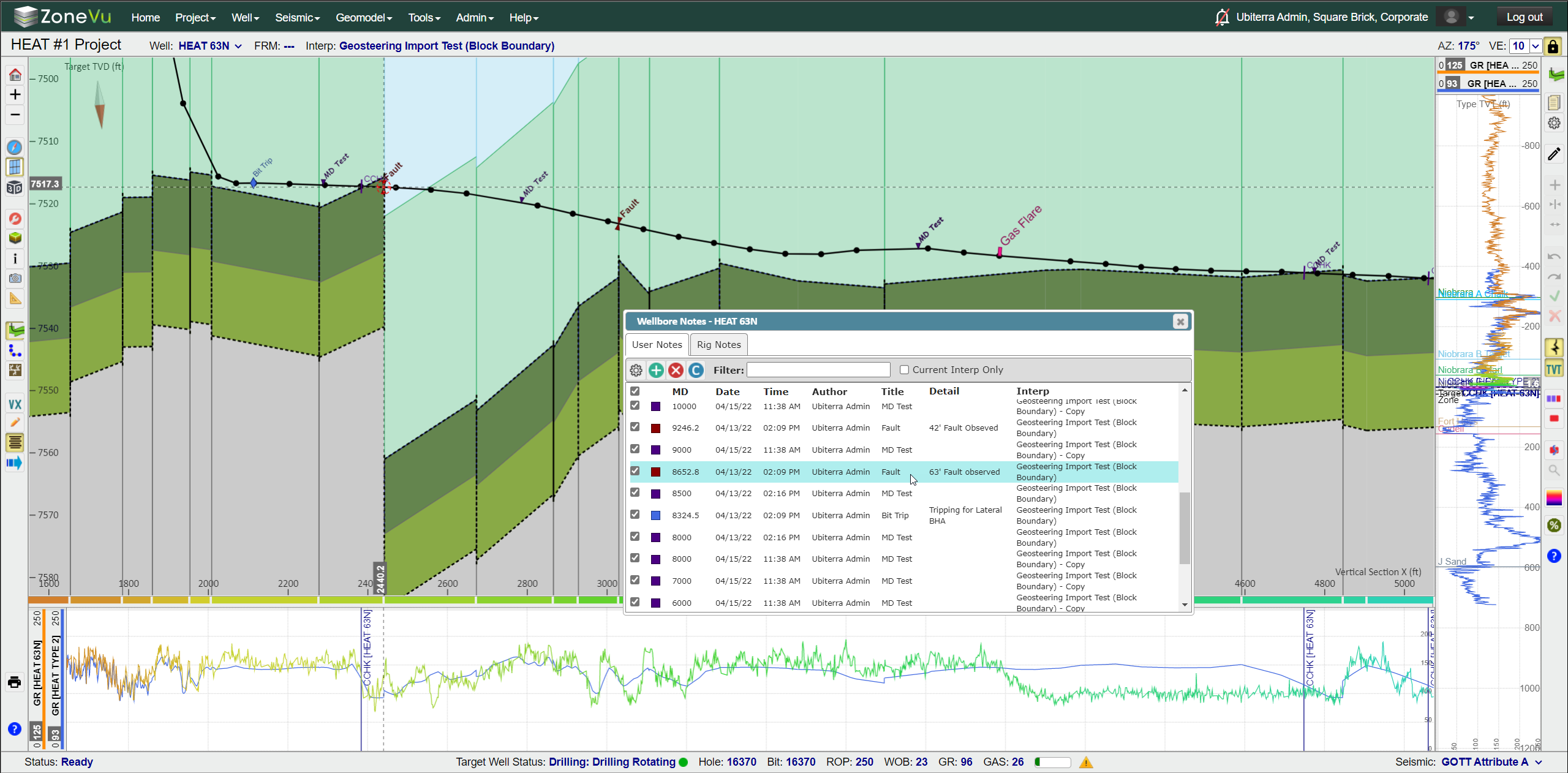
User Notes:
User-defined notes
Tied to MD depth along the Wellbore
Detailed note section
Sortable
Control label display parameters via Categories
Drilling Notes renamed to Rig Notes and GUI Enhancement
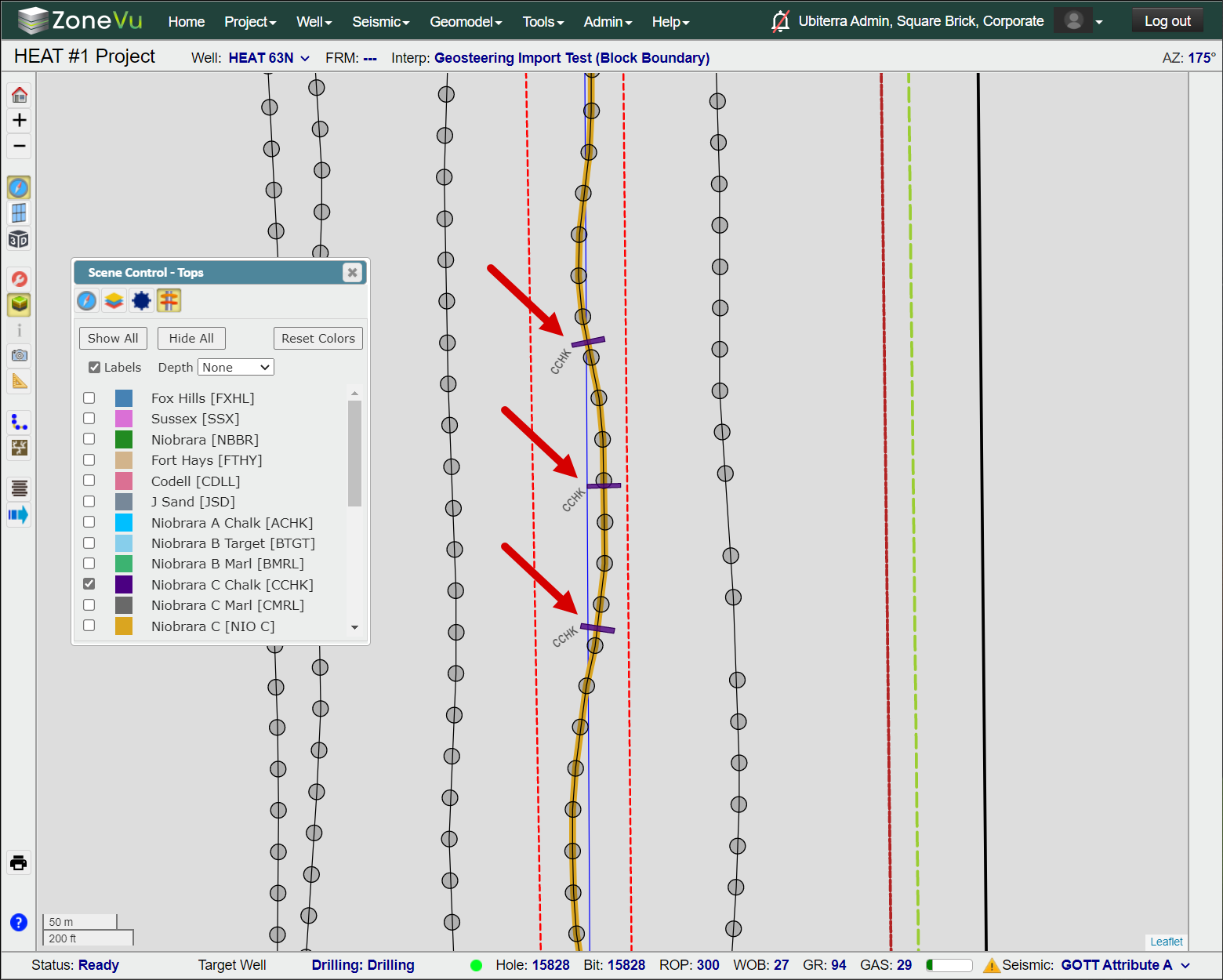
Top Display in Map View:
Display all picked tops along any wellbore in the Map Viewer
Show Top Depths in MD, TVD, Elevation
Azimuthal Gamma Ray Display Enhancement:
GUI Enhancement
Expanded Color Bar Selection
Reversable Color Bars
Geosteering Import Enhancement:
GUI Enhancement
Data Auto Search Function Added
More supported import formats
Data Loading Enhancements: LAS, Surveys (Home Page), Data Loading (Viewers), Seismic, Horizons, Faults
GUI enhancements
Data Drop Zone increased/enhanced
Data Auto Search Function added
Supports Excel Workbooks
Wellbore Azimuthal Data Update:
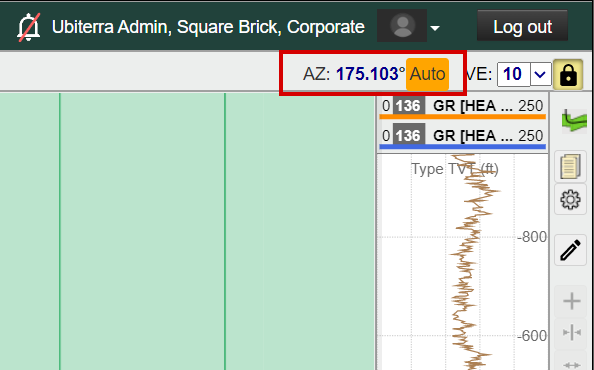
VS Azimuthal data moved to the upper right corner and editable in Viewer
Auto Calculated Azimuthal warning
Wellbore Modification Update
Predicted Survey Mapping Upgrade:
Upgraded and enhanced the way ZoneVu calculates the wellbore projection used in the 2D Viewer
Actual to Plan interpolation algorithm upgraded
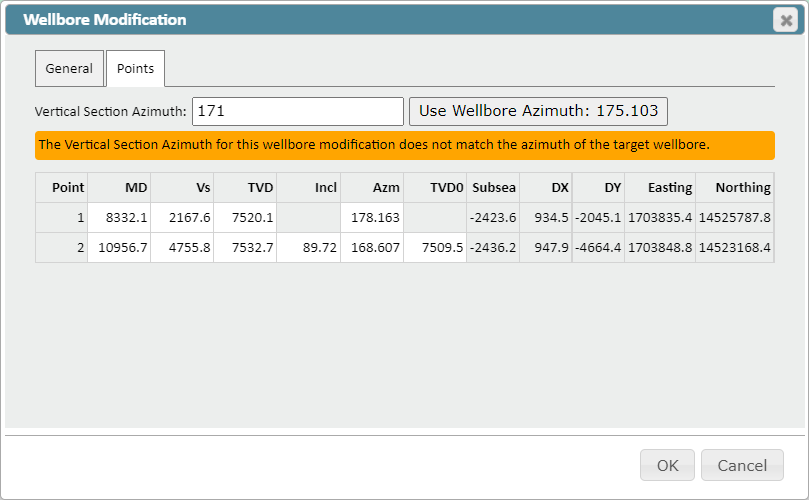
Wellbore Modification Tool Update:
Wellbore Azimuth used to create a Wellbore Modification is independently saved with each modification, increasing data integrity/continuity
Users can now edit the referenced Wellbore Azimuth after a Wellbore Modification has been created
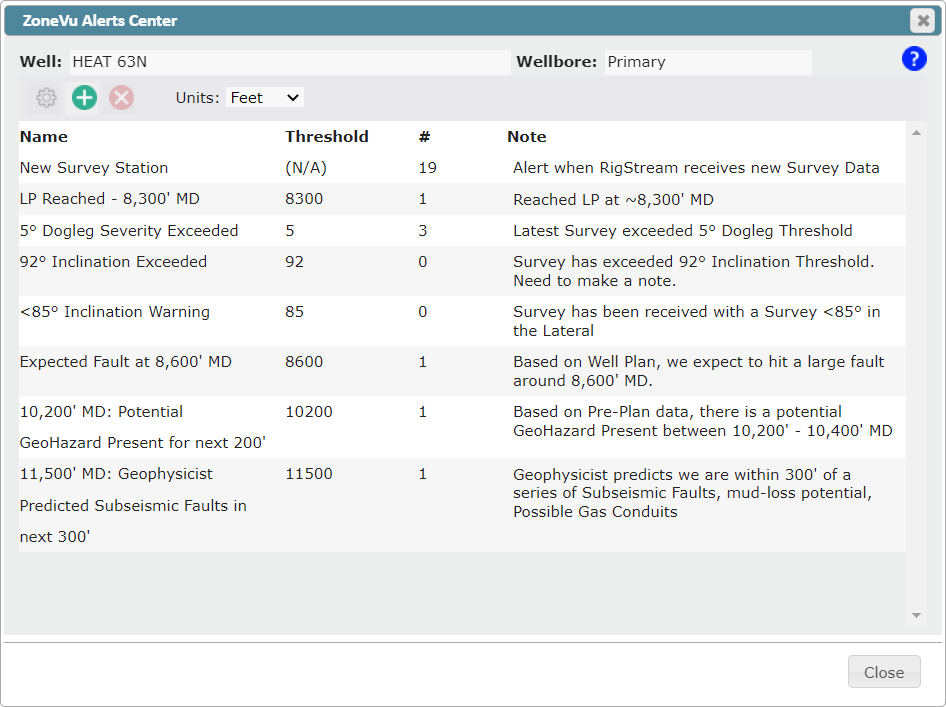
Wellbore Notifications (ZoneVu Alerts):
Rebranding - ZoneVu Alerts
GUI enhancement
Notification email & text message update
Notification Center renamed to ZoneVu Alerts
GUI enhancement
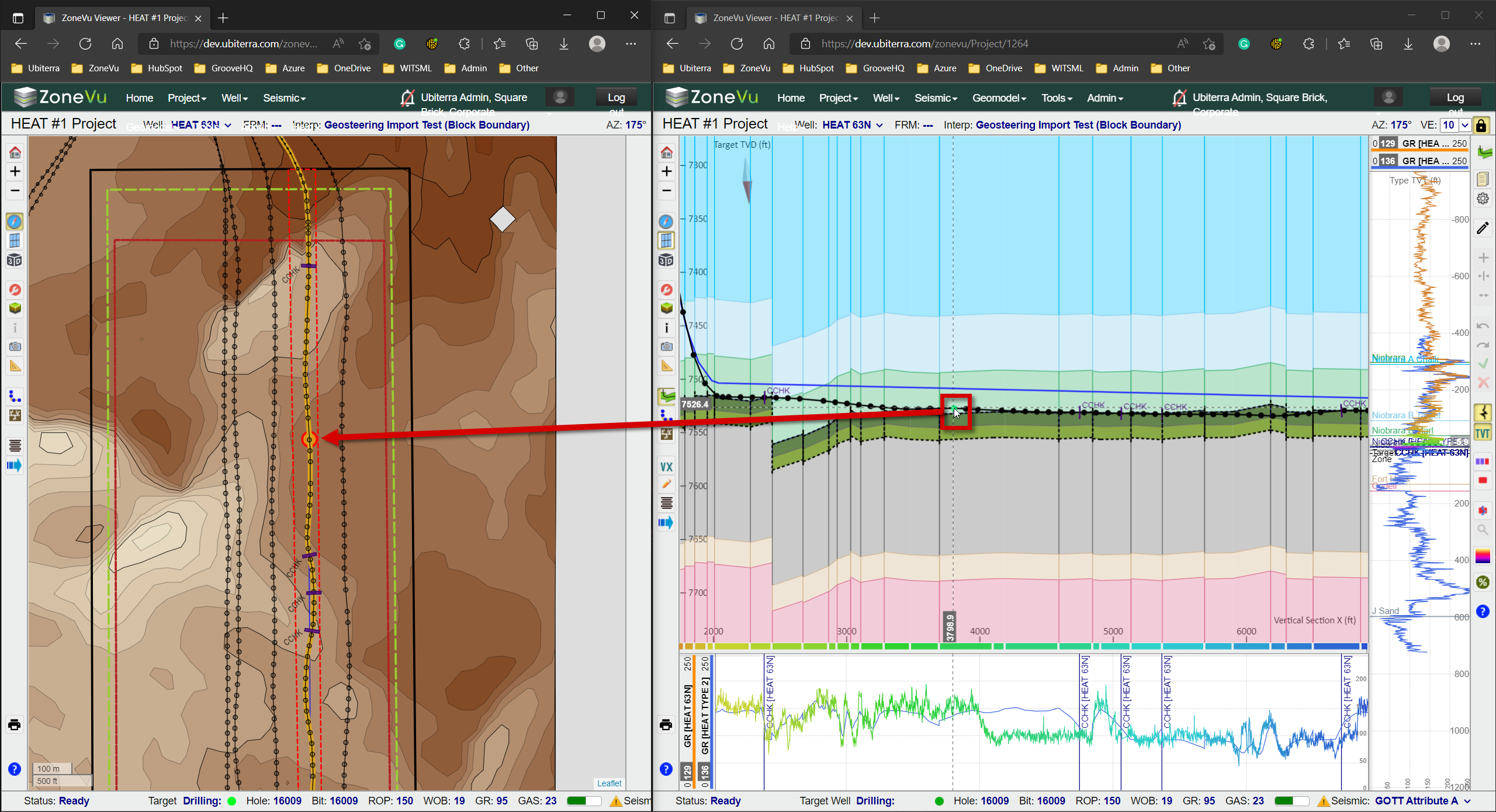
Live curser tracking between tabs:
Curser Tracking across multiple tabs is now supported
Expanded Color Spectrum Offering: Color Spectrum Article

Blue Asymmetric: White-Red-Yellow-Black-Dark Blue-Blue shading

Brown-Red-Yellow: Brown-Red-Orange-Yellow shading
Reversible Color Spectrums
“Alt” Keyboard Shortcuts:
Alt + “+” – Zoom In
Alt + “-“ – Zoom Out
Alt + Z – Switch Viewers (Map, 2D, 3D)
Alt + Q – Opens Display Settings Pop-Up
Alt + A – Opens Scene Control
Alt + I – Opens Scene Info Pop-Up
Alt + X – Opens Scene Snapshot
Alt + S – Opens Measuring Tool
Alt + G – Opens the Geosteering Module
Alt + B – Wellbore Modification Tool
Alt + C – Completions Module
Alt + H – VX/MD Horizontal Scale
Alt + W – Opens Wellbore Notes
Alt + M – Opens the Manual Drilling Update Pop-Up
Other Updates:
Cross-Section / Vertical Track scale decoupled by default
Zoom and Pan in the Horizontal Track
Wellbore labeling enhancement in the Map Viewer
Security upgrade to the Knowledge Base
Minor bug fixes