

Map Viewer: Using the Scene Control in the Map Viewer
Load and display grids (structure grids, seismic horizons, & data grids)
Display contour lines
Define contouring interval
Define contouring Major interval
Expanded color bar selection
Display Shapefiles (polygons, polylines, and/or point sets)
Control over Layer rendering order
Expanded Base Map options
Upgraded well display
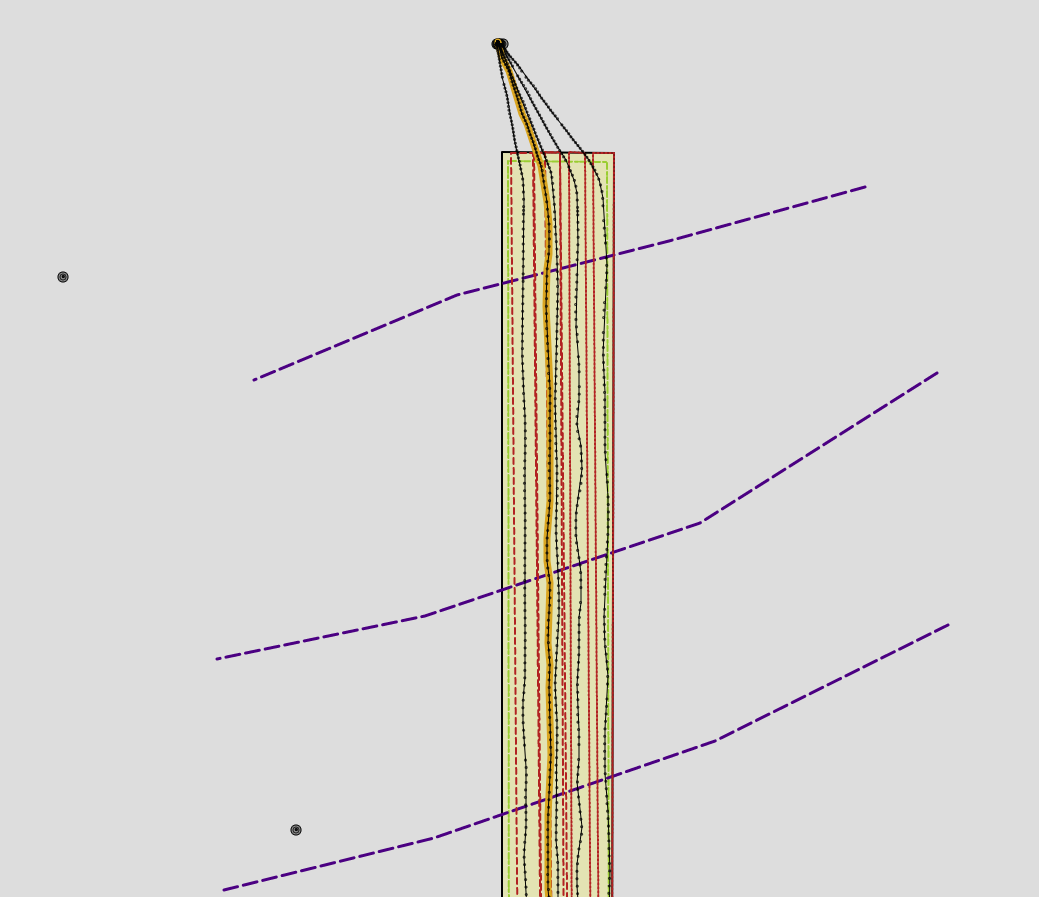
Dynamic survey points
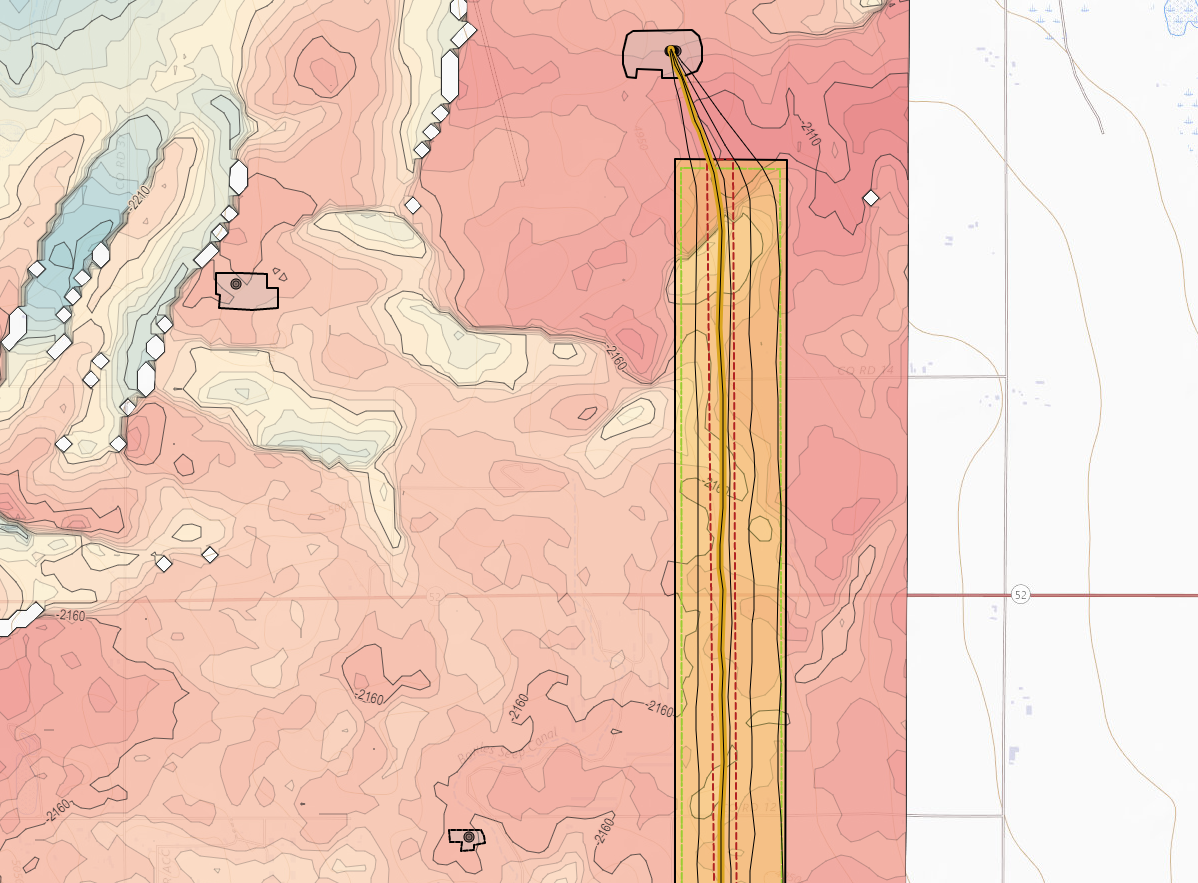
Shapefile Import: How to Load a Shapefile
Import Shapefiles or GeoJSON files to create Layers (polygons, polylines, and/or point sets)
Copy, edit, and/or export Layers
Layers are saved at the Project level
Customize Feature display parameters
Layers are utilized in the Map Viewer and 3D Viewer
Geosteering Interpretation/Type Well Top Enhancement: Picking and Editing Type Well Tops in the 2D Viewer & Picking Tops on the Target Well in the 2D Viewer & Editing Interpretation Tops
A copy of the Type Well(s) tops (Geosteering Tops) are saved with each Geosteering Interpretation
Type Well Tops can be picked/edited in the Vertical Track
Geosteering Tops can be edited
3D Viewer Update: Using the Scene Control in the 3D Viewer
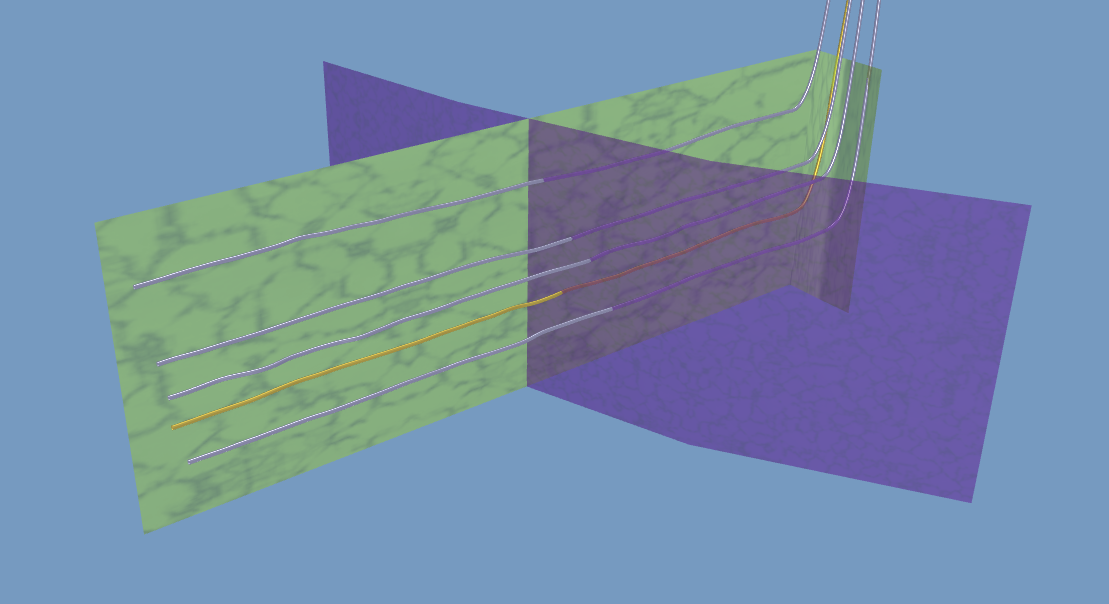
Resolution enhancement for the Seismic Wellbore Curtain
Well display enhancement on the top of the 3D Cube
Display Layers on top of the 3D Cube
Expanded color bar selection
Print preview added
Layers can be projected down into the 3D Cube
Define what depths the projected layers are displayed at
Control layer display parameters
2D Viewer Update: Using the Scene Control in the 2D Viewer
Toggle Survey Stations On/Off in the cross-section
2D Viewer, Geosteering, & Edit Geosteering Interpretation buttons updated
Geosteering export Update: Deployed in November 2021 Geosteering Export Article
Able to export all formation tops
Able to export all displayed logs (including frac and modeled logs)
Normalized curve(s) parameters are included in the log header
GUI enhancement
Completions Module Update: Deployed in December 2021
Can now sample Modeled Logs to the User Curves section of the Frac Table
Column Background shows what columns are editable
Can Edit Toe and Heel Stage columns in the table
Can Rename the User Defined Columns
A second way to remove User Curves (In the Edit Frac Job pop-up)
Can edit plug locations for both Plans and Jobs
“FracHit” Checkbox added
Import Spreadsheet update
Columns reordered to match Frac Table order
More info added to help aid the users
Percent in Zone Calculator Update: Deployed in December 2021 Percent in Zone Calculator Article
GUI update
Simplified default Percent in Zone data
Entry/Exit Table Added
Can set both Heel and Toe MD points
Users can define Zone Top and Base
Show Above and Below Stats (Not the upper and lower formation names)
Users can rename the Zone(s) without having to change the Top Names
Snapshot Update: Deployed January 2022 Scene Snapshot Article
GUI Update
Users can now choose to apply the Snapshot data for just the Target Well and Target Geosteering Interpretation or the entire Snapshot dataset
Enhanced curve display settings
Older Snapshots no long break newer Geosteering Interpretation display settings
LWD & TYPE log doubling no longer occurs
Button Updates:
Map Viewer Button - New

2D Viewer Button - Updated

3D Viewer Button - Updated

Map Button - Updated

Layer Button - new

Geosteering Button - Updated

Edit Geosteering Button - Updated

New KB Articles: