

Changing the Datum for a Seismic Survey:
Open the Seismic Folder, select the Seismic Volume, and click the "Register" button

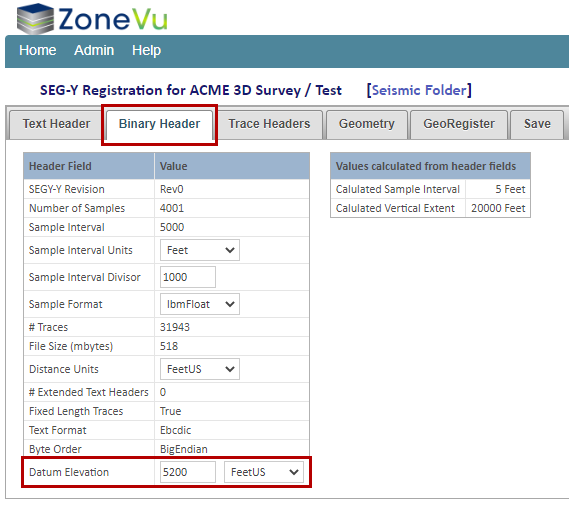
This will open the SEG-Y Registration window, navigate to the “Binary Header” tab and update the "Datum Elevation" input with the new Datum depth
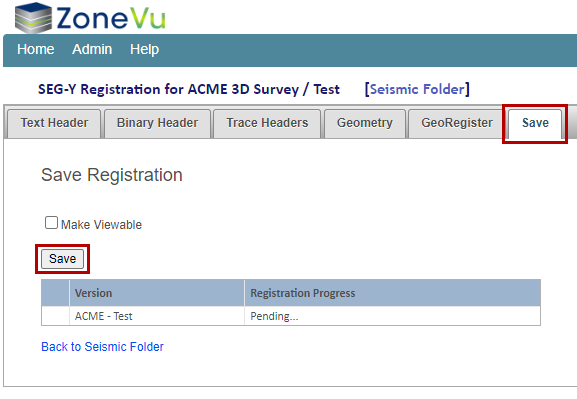
Next, go to the “Save” tab and click the “Save” button to have ZoneVu save the changes
Note: You do not need to check the "Make Viewable" checkbox to update the Seismic Volume's Datum
Related Articles:
Exporting Seismic & Faults from Kingdom and Importing into ZoneVu
Importing Seismic Horizon Data